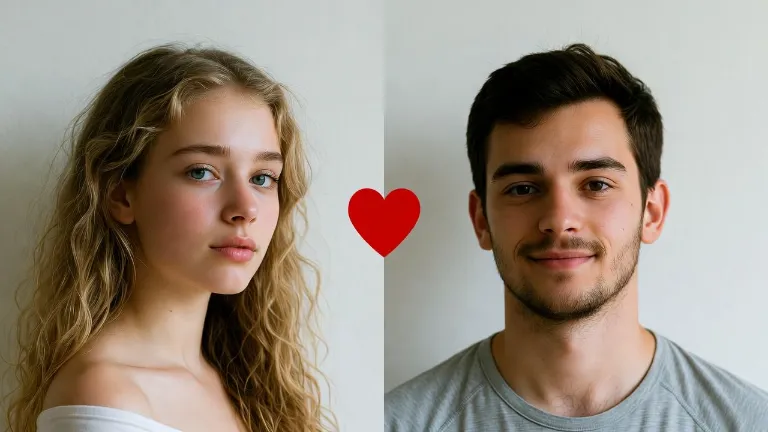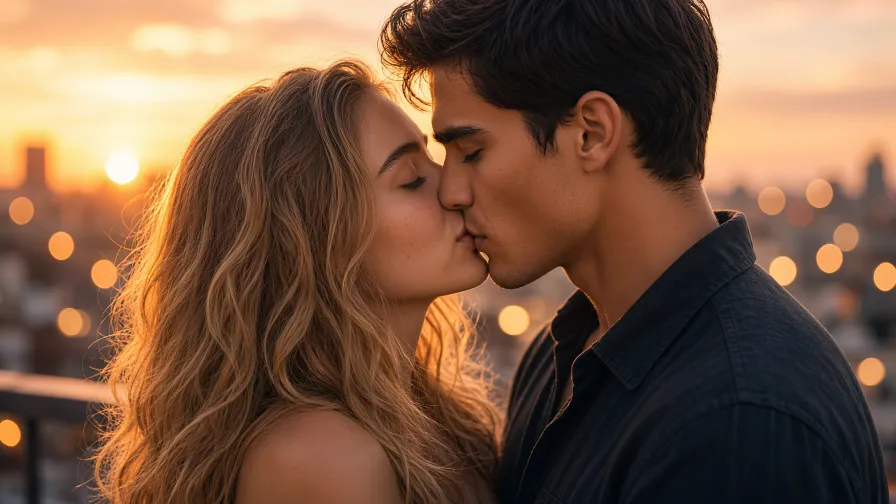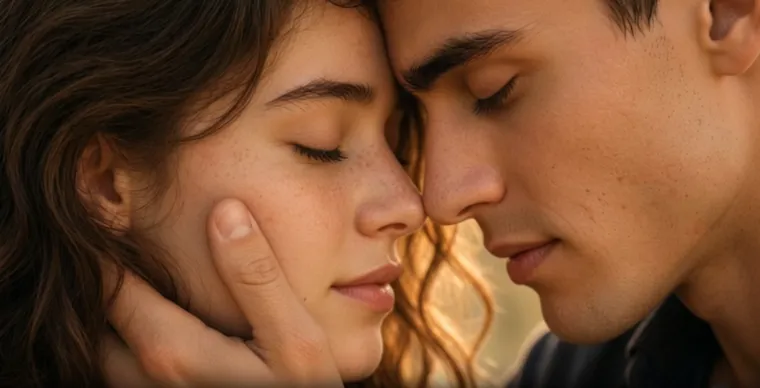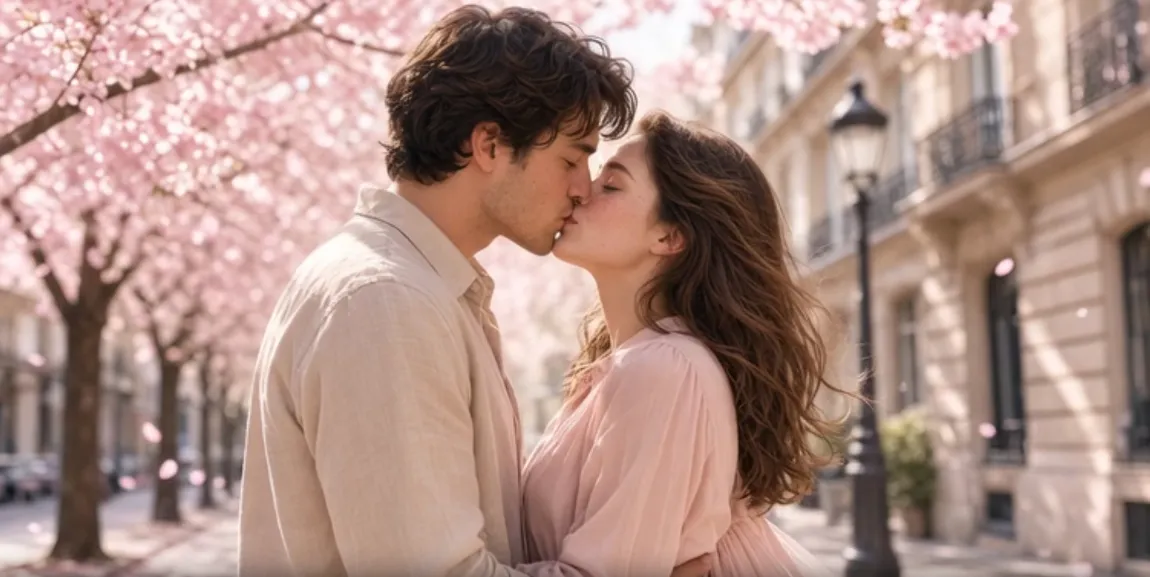

You upload two cute photos, type “romantic kiss,” hit generate… and what comes back is something that belongs in a low-budget sci-fi film. Faces melt, lips hover an inch apart like they’re afraid of commitment, one person is lit like a sunset while the other looks like they’re in a basement, and the whole thing has that unsettling “uncanny valley” energy.
Sound familiar? You’re not alone. In 2026, AI kissing videos are everywhere, but a huge number still come out glitchy. The good news? Almost every disaster has a clear cause. Here are the five most common mistakes that turn a sweet moment into a face-melting mess, plus exactly how to fix them.
1. The Lighting Is Fighting Itself
What you see: One face glows warmly, the other looks cold and blue. Highlights jump around during the lean-in. It feels like two different photos were awkwardly taped together.
Why it happens: You gave the AI two people who were photographed under completely different lights. Soft window light on one, harsh phone flash on the other. The model tries to animate first and reconcile the lighting second — and usually fails spectacularly.
Quick fix:
- Use photos taken in similar lighting (or at least the same color temperature).
- Avoid strong shadows across the mouth or cheek.
- In the prompt, add phrases like “consistent soft lighting across both faces” or “harmonized golden-hour light.”
Pro move: Some tools handle this automatically. Bejou’s smart alignment engine detects the faces and balances the lighting before animation even starts, so you don’t have to become a lighting technician just to get a kiss that looks natural.
2. The Heads Are Pointing in Opposite Directions
What you see: Noses crash into each other, lips never actually meet, or one head rotates like it’s on a swivel while the other stays frozen. The geometry just doesn’t work.
Why it happens: Most AI models learned from mostly frontal or mild three-quarter faces. When your starting photos have extreme side profiles or heads already tilted away from each other, the model has to invent the missing geometry — and invention often looks like distortion.
Quick fix:
- Choose photos where both people are facing generally toward the camera or already angled toward each other.
- Keep heads relatively close if you’re using a couple photo.
- Describe a gentle approach: “slight lean-in, eyes close just before contact, natural head tilt.”
Bejou’s alignment system also tweaks proportions and head positioning so the starting pose is more kiss-friendly. Combined with its ready-made presets (cheek peck, forehead kiss, French kiss, etc.), it cuts down on a lot of the “faces won’t meet” problems.
3. Your Prompt Is Arguing with Itself
What you see: The video starts okay, then suddenly the mouths open too wide, expressions freeze, the camera pulls back, or the faces start morphing. It feels like the AI got confused halfway through.
Why it happens: You stacked conflicting instructions. “Eyes open and smiling” + “closed-mouth kiss.” “Static camera” + “dynamic orbit.” Or a long prompt full of competing styles and emotions. The model receives mixed signals and the output becomes unstable.
Quick fix:
- Keep the core action short and clear.
- Good structure: subject + exact kiss type + lighting + camera + mood.
- Example: “Young couple, gentle closed-mouth kiss, warm rim light, shallow depth of field, slow lean-in, photorealistic skin, natural micro-expressions.”
- Avoid loading every possible detail into one generation. Test short 5-second clips first.
Templates help here too. Bejou’s curated kiss presets already encode tested motion and expression logic, so you’re less likely to create internal conflicts while still being able to add your own prompt details.
4. The Reference Photos Are Hiding the Important Parts
What you see: Blurry mouths, smeared lips, or faces that look like they were painted by someone who has never seen a human. Hands, hair, sunglasses, or extreme cropping block the areas the AI needs most.
Why it happens: The model can only animate what it can clearly see. If the mouth is covered, the face is tiny in the frame, or the photo is low-res and compressed, it has to guess — and guessing on a face usually looks bad.
Quick fix:
- Use sharp, well-lit photos where eyes and mouths are clearly visible.
- Prefer higher-resolution images.
- Crop so the faces are prominent.
- Skip heavy accessories that cover the lower face.
This is the easiest win. Better source photos fix more problems than any clever prompt.
5. You’re Asking for Too Much Motion at Once
What you see: The first couple of seconds look decent, then identity drifts, faces melt, or the kiss turns chaotic. Longer clips or aggressive camera moves make it worse.
Why it happens: AI video models generate frame by frame. Small errors accumulate. Fast head turns, long durations, hands cupping the face, plus camera movement all at once overload the model. Kissing is already a hard close-up interaction; adding complexity multiplies the risk.
Quick fix:
- Start with 5-second clips.
- Favor slow, gentle leans over rapid multi-stage actions.
- Limit camera movement in the same generation.
- Generate short takes and edit the best parts together if you need longer content.
The Fastest Path to Cleaner Results
Most glitches come from the five issues above. Fix the lighting, starting angles, prompt clarity, photo quality, and motion complexity, and a large percentage of failures disappear.
If you’d rather skip the manual troubleshooting, tools with built-in alignment help. Bejou’s smart alignment engine, for example, detects facial contours, balances lighting, and adjusts proportions automatically before the video models (Seedance, Kling, Wan, Hailuo, and others) start generating. That upstream correction handles several of the classic problems so you can focus on the creative side instead of fighting geometry and lighting.
Whether you stay on a general generator and apply the fixes, or move to a specialized workflow with automatic alignment, the goal is the same: a kiss that actually looks like two people kissing instead of a glitchy experiment.
Quick checklist next time something looks wrong:
- Lighting mismatched → unify light or use an alignment tool
- Lips won’t meet / heads collide → fix starting angles
- Weird mid-clip changes → simplify the prompt
- Blurry or smeared contact → upgrade the source photos
- Falls apart after a few seconds → shorten and simplify the motion
AI kissing videos have gotten dramatically better, but they still reward clean inputs. Get the basics right and the results stop looking like a horror short and start looking like the romantic (or playful) moment you actually wanted.