
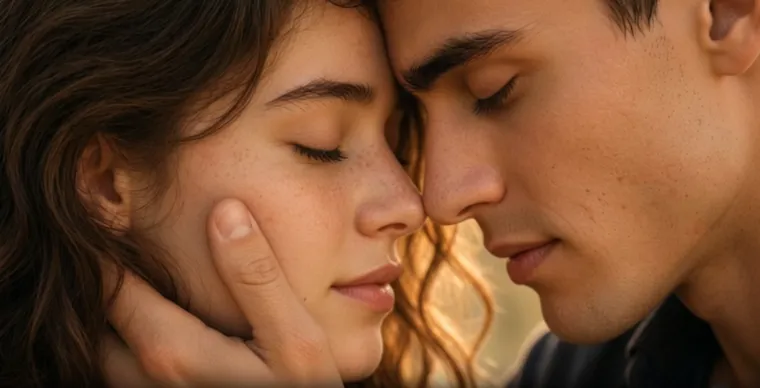

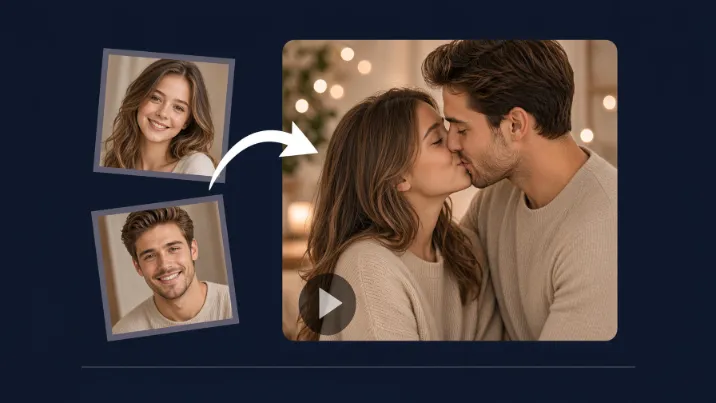
Want to turn two static photos into a short, realistic kissing video? In 2026, AI kissing video generators make this possible in just a few minutes — no video editing skills, no actors, and no complicated software required.
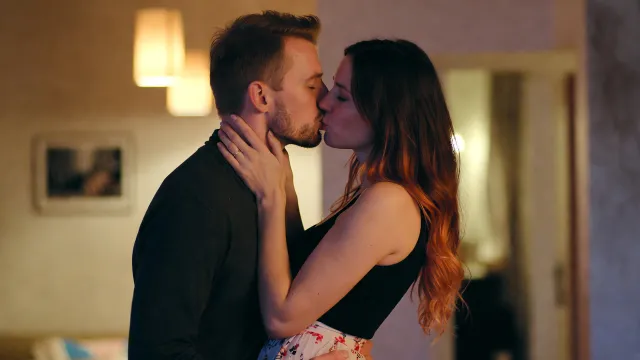
Whether you have a couple photo or two separate portraits (selfies of you and your partner, friends, or even characters), modern tools can automatically align faces, match lighting, and animate a natural lean-in kiss. Results range from gentle cheek pecks and forehead kisses to more passionate French-style moments, complete with cinematic lighting and micro-expressions.
One of the easiest and most specialized tools for this is Bejou AI. It is designed as a free AI kissing video generator that works especially well with two photos and supports custom prompts effectively.
🎐What Is an AI Kissing Video Generator for Two Photos?
An AI kissing video generator takes one or two input images and produces a short video clip (usually 5–15 seconds) in which the people appear to kiss.
Key capabilities in 2026 include:
- Face alignment and proportion matching when using two separate photos
- Lighting and color harmony so the subjects look like they are in the same scene
- Natural motion (head tilt, eye closure, subtle smile after the kiss)
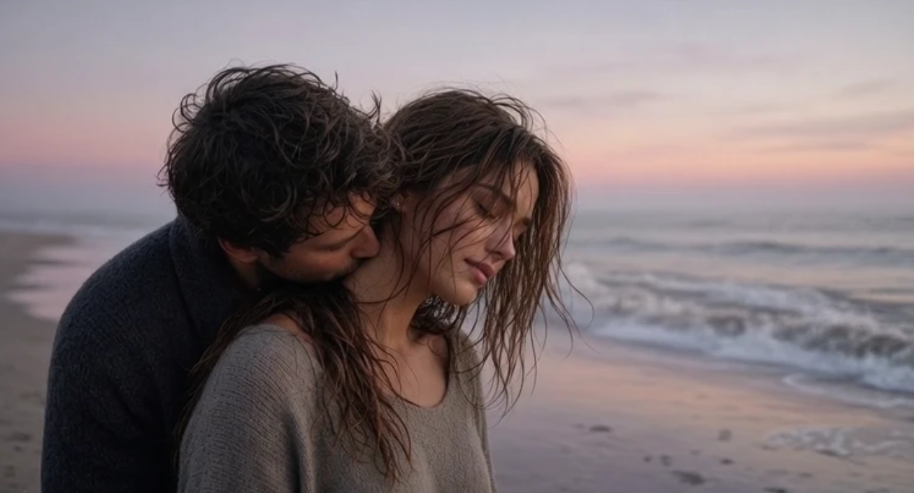
- Multiple styles: photorealistic cinematic, anime, rainy night, sunset beach, wedding, and more
- Support for custom prompts and background music
🎀How to Create an AI Kissing Video from Two Photos with Bejou
- Go to bejou.ai and create a free account (new users receive 200 welcome credits).
- Upload one clear couple photo, or two separate portraits.
- Choose a model (Hailuo 02, Kling, Wan, Seedance, Bejou 5.0, etc.), duration (5s / 10s / 15s), and quality (Fast / HD / Ultra HD).
- Select a preset style or paste one of the prompts below.
- Generate. Most videos finish in 60–120 seconds. Preview and download the HD clip.
🍀Photo Tips (Biggest Factor for Quality)
- Use clear, evenly lit, front-facing or slightly angled portraits.
- Avoid accessories that cover the mouth or jawline.
- When using two separate photos, keep lighting and camera distance as similar as possible.
- Higher resolution generally produces cleaner skin texture and fewer artifacts.
💫Ready-to-Copy Prompt Examples (Recommended for Bejou)
The prompts below are organized by scene. You can paste them directly into Bejou’s prompt box and upload your reference photos. Start with 5-second clips to check face stability.
1. Tender Everyday Kisses (Most Stable & Best for Gifts)
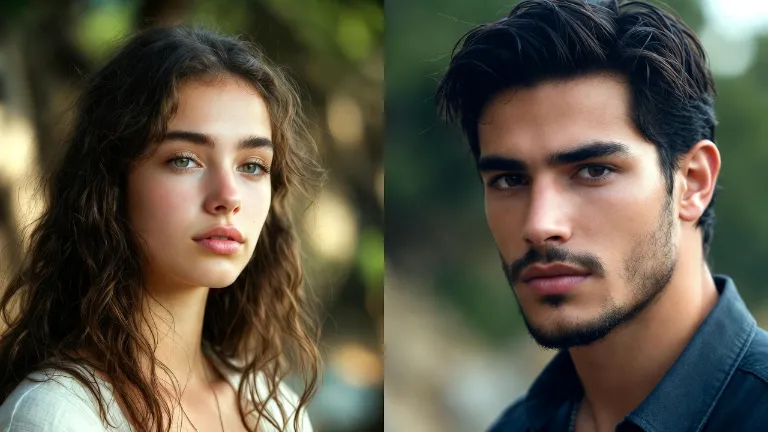
Young couple on a city rooftop at golden hour. He gently cups her face with both hands and leans in for a slow, closed-mouth kiss. Her hair moves slightly in the breeze. Warm city bokeh lights in the background, shallow depth of field, photorealistic skin texture and pores, cinematic 50mm lens, soft film grain.
2. Cinematic & Dramatic Kisses (Higher Visual Impact)
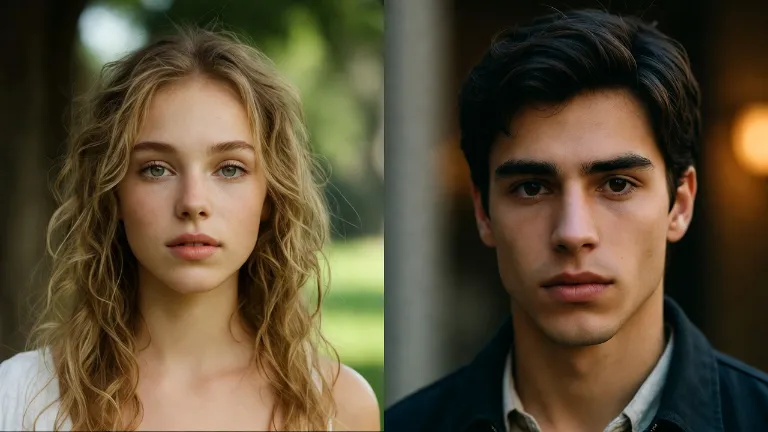
3. Atmospheric Scene Kisses
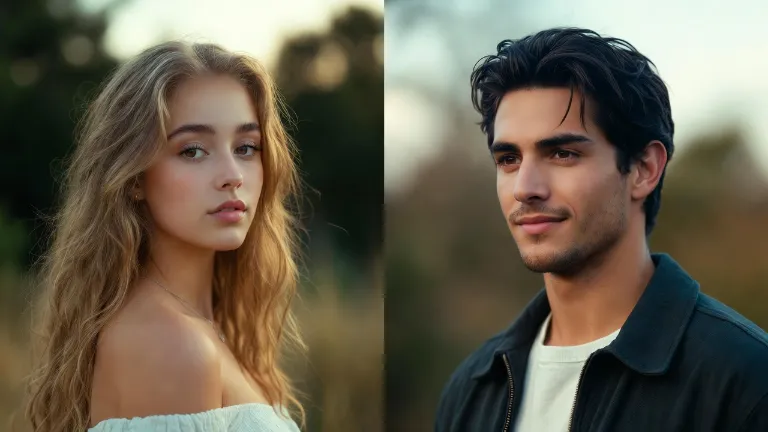
4. Close-Up & Sensory Details (Great for Short Clips)
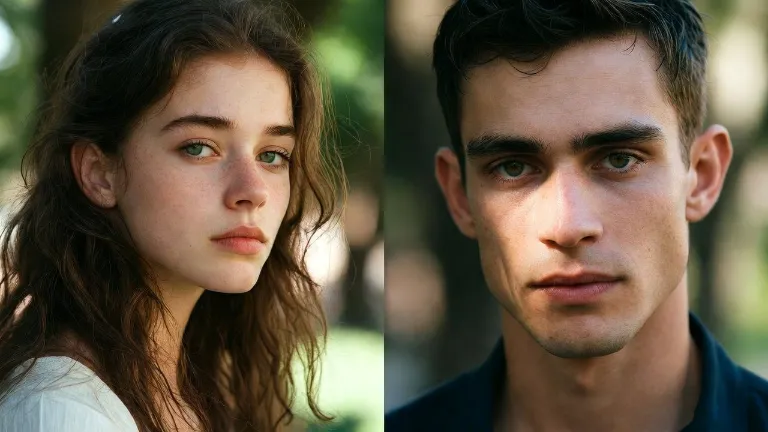
5. Quick One-Line Starters (Easy to Expand)
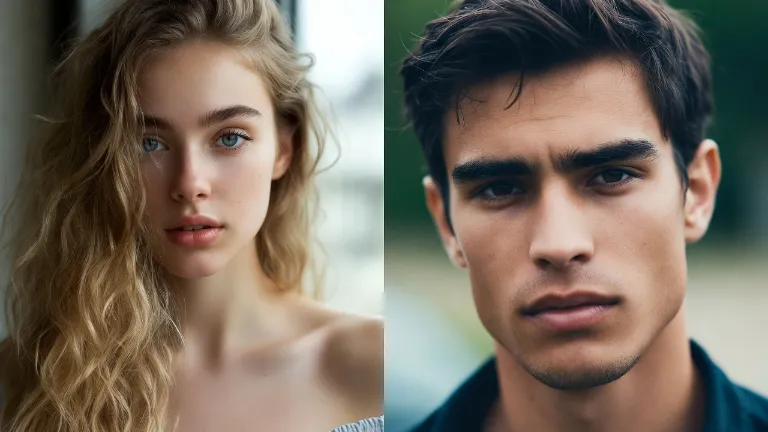
Usage tip:
When uploading reference photos, you can add “preserve exact facial features and identity from the reference photos” at the end of the prompt for better consistency. Prefer 9:16 vertical for TikTok and Reels.
🌸Why Bejou Is Recommended
- Specialized for kissing videos with strong two-photo handling.
- Free welcome credits so you can test immediately.
- Multiple models, 5–15 second durations, custom prompts, and audio support.
- Fast generation and simple interface.
- Solid privacy practices (encrypted storage, not used for public training).
🍧Conclusion
With two good photos and a solid prompt, you can generate a realistic AI kissing video on Bejou in minutes. Start with the tender everyday examples above for the most stable results.
Head to bejou.ai, upload your photos, paste a prompt, and create your first clip.





'/%3e%3cpath%20id='Union'%20d='M29.0701%2012C30.0518%2012%2030.5427%2011.9997%2030.951%2012.1943C31.2994%2012.3604%2031.6172%2012.651%2031.8133%2012.9834C32.043%2013.373%2032.084%2013.8426%2032.1668%2014.7813C32.4379%2017.8535%2032.6848%2022.7026%2031.8699%2025.2529C30.8409%2028.4724%2026.0699%2031.7599%2023.6131%2033.2764C23.1364%2033.5706%2022.8978%2033.7172%2022.575%2033.791C22.3191%2033.8495%2021.9635%2033.8523%2021.7068%2033.7969C21.3831%2033.7269%2021.142%2033.5822%2020.6609%2033.293C18.1496%2031.7834%2013.2259%2028.4819%2012.1834%2025.2529C11.2954%2022.5015%2011.561%2017.7338%2011.8563%2014.7295C11.9461%2013.8148%2011.9907%2013.357%2012.2215%2012.9717C12.4175%2012.6446%2012.7372%2012.3545%2013.0818%2012.1914C13.4878%2011.9993%2013.9702%2012%2014.9344%2012H29.0701Z'%20fill='white'/%3e%3cpath%20id='Subtract'%20d='M26.337%2017.7504C26.6405%2017.382%2027.1838%2017.3321%2027.5489%2017.64C27.9119%2017.9465%2027.9611%2018.4912%2027.6593%2018.8578L21.5704%2026.2504C21.2675%2026.6177%2020.7315%2026.6654%2020.3712%2026.3724L20.3009%2026.309L16.3946%2022.3656C16.0607%2022.0277%2016.061%2021.481%2016.3946%2021.143C16.7302%2020.8036%2017.2749%2020.8036%2017.6104%2021.143L20.8507%2024.4115L26.337%2017.7504Z'%20fill='%23FC7C8D'/%3e%3c/g%3e%3cdefs%3e%3clinearGradient%20id='paint0_linear_0_4'%20x1='22'%20y1='0'%20x2='22'%20y2='44'%20gradientUnits='userSpaceOnUse'%3e%3cstop%20stop-color='%236C624A'/%3e%3cstop%20offset='1'%20stop-color='%23B07C9F'/%3e%3c/linearGradient%3e%3c/defs%3e%3c/svg%3e)