

Want to turn ordinary photos into smooth, cinematic kissing videos without learning video editing? A free AI kiss generator with templates lets you do it in just a few minutes. These tools let you upload one couple photo or two separate portraits and generate natural kissing clips using ready-made motion templates.
Among the options available in 2026, Bejou (bejou.ai) is a practical choice. It offers free starting credits, a solid library of built-in kiss templates, strong video models, and a simple workflow. You can start creating right away and refine later with custom prompts if needed.
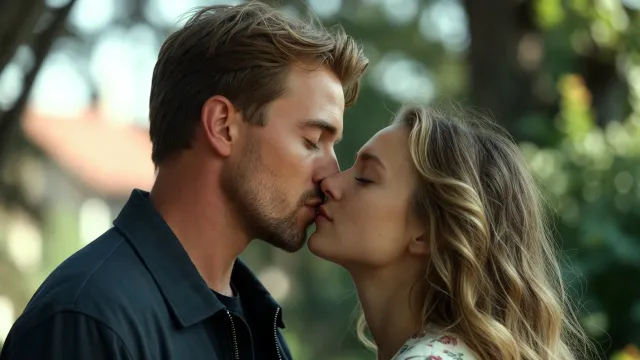
What Is a Free AI Kiss Generator with Templates?
A free AI kiss generator with templates is an online tool that turns still photos into short animated kissing videos. Instead of writing complex prompts from scratch every time, you simply choose a preset style or scene, upload your photos, and the AI handles the motion, lighting match, and facial alignment.
Key advantages of the template approach:
- Faster results (usually within 1–2 minutes)
- More stable and natural motion
- Lower risk of face distortion or physics issues
- Easy for beginners and non-technical users
- Still flexible enough for custom prompts or background music
Why Bejou Is a Strong Free AI Kiss Generator with Templates
Bejou AI focuses on romantic photo-to-video generation, with emphasis on realistic skin texture, natural micro-expressions, and smooth physical interaction.
Core strengths include:
- Rich built-in templates: The site provides two categories of one-click templates so users don’t need to write prompts themselves.
- Powered by strong video engines such as Seedance, Kling, Wan, and Hailuo 02, which handle lip contact, head tilt, and lighting continuity well.
- Free welcome credits: New users receive 200 credits on first registration — enough for a complete realistic AI kiss video. Additional credits can be earned through daily check-ins, invites, and other activities.
- Support for custom prompts, duration options, quality settings, and audio upload + trimming on selected models.
- Smart alignment that matches lighting and scale when you upload two separate photos.
Generation typically finishes in 60–120 seconds.
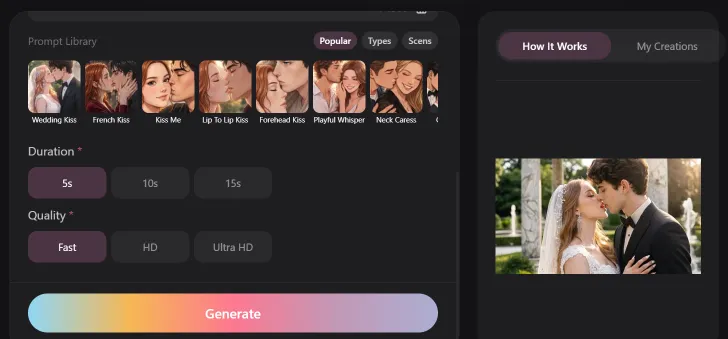
How to Create an AI Kiss Video on Bejou (Step-by-Step)
- Go to bejou.ai, sign in or create a free account, and claim your welcome credits.
- Upload images: one clear couple photo, or two individual front-facing (or slightly angled) portraits with similar lighting.
- Choose a model, duration, and quality.
- Select a template directly from the site’s Kiss Types or Kiss Scenarios, or fine-tune the prompt afterward.
- Optionally upload a song or voice note and trim it.
- Click Generate, preview the result, then download and share.
Tip: Start with simpler types (such as Forehead Touch, Cheek Peck, or Lip Contact). Once the faces look stable, try more atmospheric scenario templates.
How to Use the Built-in Templates
Kiss Types are great for quick, reliable results:
- Forehead Touch and Cheek Peck — tender and safe, ideal for beginners and anniversary clips
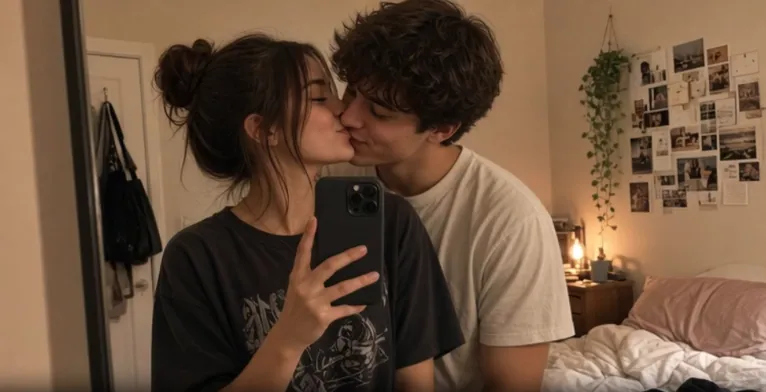
- Lip Contact and French Touch — more cinematic
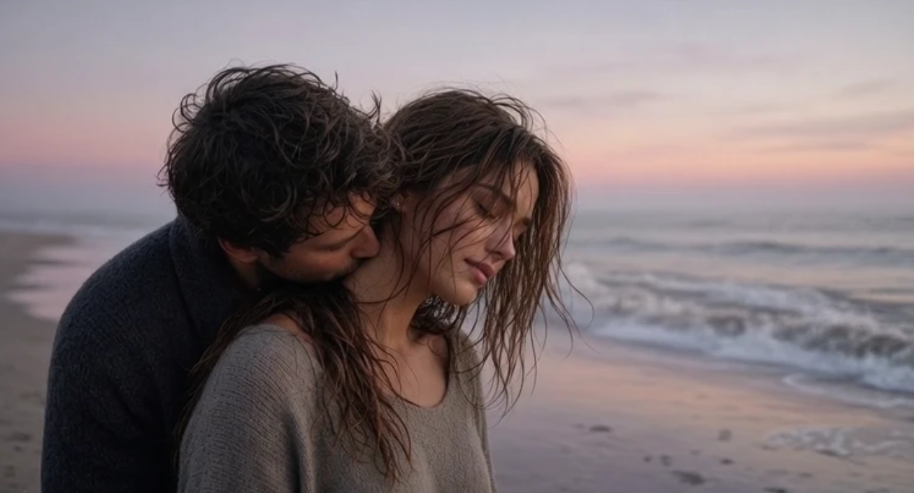
- Neck Nuzzle, Ear Whisper, Hand Kissing, and Couple Embrace — add emotional detail and variety
Kiss Scenarios work well for atmospheric or story-driven content:
- Rain Romance, Winter Snow, Aurora Night — strong for social media short videos
- Wedding Vow and Vintage Polaroid — suitable for wedding, memorial, or retro styles
- Lawn Picnic, Poolside Ledge, and Food Sharing — casual and lifestyle-oriented
- Backstage Secret and Cosplay Romance — more creative and narrative
These are all native templates on the site. After selecting one, you only need to upload your photos to generate — generally more stable than fully manual prompting.
Tips for Best Results
- Use well-lit, sharp, front-facing or slightly angled photos. Matching lighting between two separate images helps a lot.
- Prefer shorter clips (5–10 seconds) for the most stable faces.
- Generate once with a template first, then lightly adjust the prompt if needed (e.g., add “slow motion,” “photorealistic,” or “close-up”).
- If the result feels too intense, switch to a gentler type such as Forehead Touch or Cheek Peck.
- Try different models to see variations in skin and motion quality.
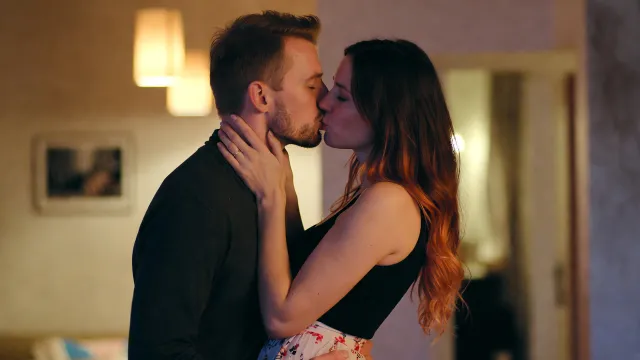
Who Uses Free AI Kiss Generators with Templates?
- Long-distance couples who want a fun personalized video from separate selfies
- People creating anniversary or wedding keepsakes from old photos
- Social media creators making quick romantic or atmospheric short videos
- Fans who want to animate character pairings
- Anyone who wants an easy, shareable clip without complex editing
Final Thoughts
A free AI kiss generator with templates removes most of the technical barriers to romantic photo-to-video creation. Bejou currently offers a straightforward free entry point: welcome credits, ready-made Kiss Types and Kiss Scenarios templates, solid model support, and a clear workflow.
If you want to try it yourself, head to Bejou (bejou.ai), claim the free credits, upload your photos, and pick a template (for example Forehead Touch or Rain Romance). Start simple, then experiment with different scenes — the built-in templates make iteration fast and reliable.
Ready to turn your photos into a realistic kiss video? Try it on Bejou today.






'/%3e%3cpath%20id='Union'%20d='M29.0701%2012C30.0518%2012%2030.5427%2011.9997%2030.951%2012.1943C31.2994%2012.3604%2031.6172%2012.651%2031.8133%2012.9834C32.043%2013.373%2032.084%2013.8426%2032.1668%2014.7813C32.4379%2017.8535%2032.6848%2022.7026%2031.8699%2025.2529C30.8409%2028.4724%2026.0699%2031.7599%2023.6131%2033.2764C23.1364%2033.5706%2022.8978%2033.7172%2022.575%2033.791C22.3191%2033.8495%2021.9635%2033.8523%2021.7068%2033.7969C21.3831%2033.7269%2021.142%2033.5822%2020.6609%2033.293C18.1496%2031.7834%2013.2259%2028.4819%2012.1834%2025.2529C11.2954%2022.5015%2011.561%2017.7338%2011.8563%2014.7295C11.9461%2013.8148%2011.9907%2013.357%2012.2215%2012.9717C12.4175%2012.6446%2012.7372%2012.3545%2013.0818%2012.1914C13.4878%2011.9993%2013.9702%2012%2014.9344%2012H29.0701Z'%20fill='white'/%3e%3cpath%20id='Subtract'%20d='M26.337%2017.7504C26.6405%2017.382%2027.1838%2017.3321%2027.5489%2017.64C27.9119%2017.9465%2027.9611%2018.4912%2027.6593%2018.8578L21.5704%2026.2504C21.2675%2026.6177%2020.7315%2026.6654%2020.3712%2026.3724L20.3009%2026.309L16.3946%2022.3656C16.0607%2022.0277%2016.061%2021.481%2016.3946%2021.143C16.7302%2020.8036%2017.2749%2020.8036%2017.6104%2021.143L20.8507%2024.4115L26.337%2017.7504Z'%20fill='%23FC7C8D'/%3e%3c/g%3e%3cdefs%3e%3clinearGradient%20id='paint0_linear_0_4'%20x1='22'%20y1='0'%20x2='22'%20y2='44'%20gradientUnits='userSpaceOnUse'%3e%3cstop%20stop-color='%236C624A'/%3e%3cstop%20offset='1'%20stop-color='%23B07C9F'/%3e%3c/linearGradient%3e%3c/defs%3e%3c/svg%3e)