
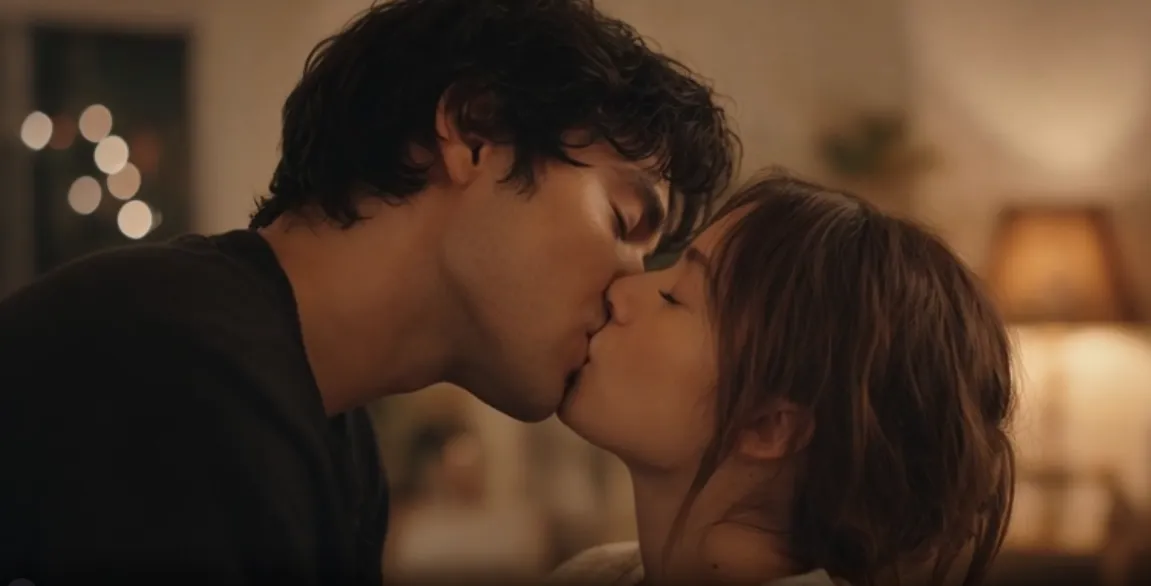

AI kissing video generators have become one of the most searched creative tools in 2026. From turning couple photos into short romantic clips to creating cinematic or anime-style kiss scenes, these specialized tools focus on natural head movement, realistic lip contact, and face consistency.
Below is a practical ranking of the top 7 dedicated or strongly focused AI kissing generators in 2026, including ready-to-use templates.
❤️MagicShot AI (Kissing Booth) — Best Overall Dedicated Kiss Tool
MagicShot’s Kissing Booth is purpose-built for this task. It handles one couple photo or two separate portraits and produces relatively natural head tilts and lip contact with good face consistency. Many independent tests place it at the top for pure kissing workflows.
Strengths
- Dedicated Kissing Booth feature
- Strong face consistency
- Multiple kiss styles (quick peck, slow kiss, cinematic)
- Simple photo-to-video process
Template Example
Upload clear front-facing photos. Select “Slow Kiss” or “Cinematic Kiss,” then refine with:
💍Bejou AI — Best for Templates and Cinematic Kiss Videos
Bejou AI ranks second for its strong combination of templates, model access, and cinematic quality. It supports one couple photo or two separate portraits, offers 10+ kiss presets (cheek peck, French kiss, forehead, passionate, etc.), and uses models such as Seedance, Kling, Wan, and Hailuo. Welcome credits and free daily options make it easy to test, and results often look polished for social or personal use.
Strengths
- 10+ curated kiss templates
- Supports 1–3 images and custom prompts
- Powered by top video models
- Good for cinematic and romantic styles
- Fast generation (usually 1–2 minutes)
Template Examples
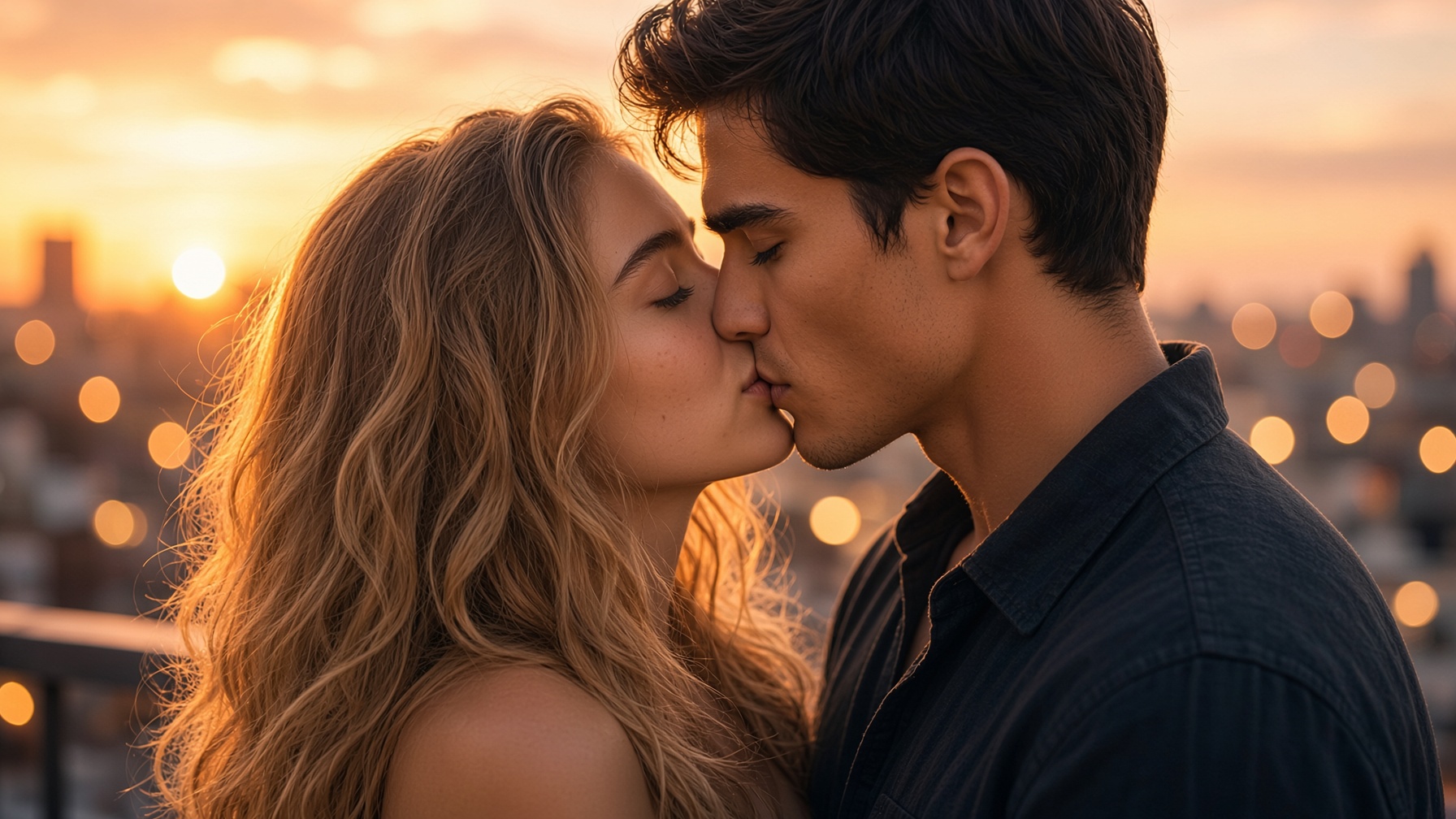
Sunset Rooftop Slow Kiss
Rainy Night Kiss
🌵Vidu AI Kissing Generator — Best Official Template Option
Vidu offers a dedicated AI Kissing Generator with official templates. It works well with both realistic photos and anime characters and provides free monthly credits.
Strengths
- Official kiss templates
- Free credits available
- Supports single or dual photos
- MP4 output, 3–16 seconds
Template
Upload upper-body photos. Add prompt:
👠Atlas Cloud AI Kissing Generator — Best Photo-Then-Video Workflow
Atlas Cloud first creates a kiss photo (free after sign-in), then animates it with models like PixVerse. The two-step process gives more control over the still image before turning it into video.
Strengths
- Free kiss photo step
- Clear photo-to-video pipeline
- Good for users who want to refine the still first
Template
Generate or upload the kiss still, then animate with:
👒PixAI AI Kissing Video Generator — Best for Anime / Character Kisses
PixAI focuses on animating two character images into a short kiss clip. It is free to try with daily credits and works best when both images share a similar art style.
Strengths
- Free daily credits
- Optimized for character/anime kisses
- Simple two-image upload
Template
Upload two matching-style character images. Prompt:
🎒KissMe.ai — Best Mobile Dedicated Kiss App
KissMe.ai is an Android app built specifically for AI kiss videos, powered by Seedance 2.5. It turns photos into short romantic clips and is convenient for phone users.
Strengths
- Mobile-first experience
- Uses Seedance 2.5
- Focused on photo-to-kiss video
Template
Upload photos in the app and choose a romantic or soft kiss style. Add notes like:
👛Cuty AI Kissing Generator — Best Quick Chinese-Friendly Option
Cuty AI’s Kissing Generator appears frequently in Chinese-language roundups. It analyzes facial features and generates kiss animations relatively quickly from uploaded photos.
Strengths
- Simple three-step process
- Decent speed
Template
Upload clear photos of one or two people. Select a romantic or soft kiss style and generate. Refine with short prompts such as
🦋Quick Comparison
| Rank | Tool | Best For | Free Tier | Photo Support |
|---|---|---|---|---|
| 1 | MagicShot | Natural dedicated kiss | Limited | 1 or 2 photos |
| 2 | Bejou AI | Templates + cinematic | Welcome + daily | 1–3 photos |
| 3 | Vidu | Official templates | Monthly credits | 1 or 2 photos |
| 4 | Atlas Cloud | Photo then video | Free photo | 1 or 2 photos |
| 5 | PixAI | Anime / characters | Daily credits | 2 character images |
| 6 | KissMe.ai | Mobile app | Available | Photos |
| 7 | Cuty AI | Quick simple generation | Available | Photos |
📚Tips for Better Results in 2026
- Use clear, evenly lit, front-facing or three-quarter photos. Avoid sunglasses and heavy filters.
- Prefer image-to-video workflows for better identity consistency.
- Structure prompts as: Subject + exact action + lighting + camera + style.
- Add negative prompts: “extra limbs, warped face, identity drift, flicker.”
- Start with shorter clips (5–8 seconds) for cleaner motion.
- Only use photos you have permission to animate.
🌴Final Verdict
MagicShot currently leads for pure dedicated kissing quality, while Bejou AI earns a strong second place thanks to its template library, multi-model access, and cinematic results. Vidu and Atlas Cloud are solid official or structured alternatives, and PixAI is the go-to for anime-style kisses.
Start with MagicShot or Bejou depending on whether you prioritize maximum naturalness or ready-made cinematic templates.





'/%3e%3cpath%20id='Union'%20d='M29.0701%2012C30.0518%2012%2030.5427%2011.9997%2030.951%2012.1943C31.2994%2012.3604%2031.6172%2012.651%2031.8133%2012.9834C32.043%2013.373%2032.084%2013.8426%2032.1668%2014.7813C32.4379%2017.8535%2032.6848%2022.7026%2031.8699%2025.2529C30.8409%2028.4724%2026.0699%2031.7599%2023.6131%2033.2764C23.1364%2033.5706%2022.8978%2033.7172%2022.575%2033.791C22.3191%2033.8495%2021.9635%2033.8523%2021.7068%2033.7969C21.3831%2033.7269%2021.142%2033.5822%2020.6609%2033.293C18.1496%2031.7834%2013.2259%2028.4819%2012.1834%2025.2529C11.2954%2022.5015%2011.561%2017.7338%2011.8563%2014.7295C11.9461%2013.8148%2011.9907%2013.357%2012.2215%2012.9717C12.4175%2012.6446%2012.7372%2012.3545%2013.0818%2012.1914C13.4878%2011.9993%2013.9702%2012%2014.9344%2012H29.0701Z'%20fill='white'/%3e%3cpath%20id='Subtract'%20d='M26.337%2017.7504C26.6405%2017.382%2027.1838%2017.3321%2027.5489%2017.64C27.9119%2017.9465%2027.9611%2018.4912%2027.6593%2018.8578L21.5704%2026.2504C21.2675%2026.6177%2020.7315%2026.6654%2020.3712%2026.3724L20.3009%2026.309L16.3946%2022.3656C16.0607%2022.0277%2016.061%2021.481%2016.3946%2021.143C16.7302%2020.8036%2017.2749%2020.8036%2017.6104%2021.143L20.8507%2024.4115L26.337%2017.7504Z'%20fill='%23FC7C8D'/%3e%3c/g%3e%3cdefs%3e%3clinearGradient%20id='paint0_linear_0_4'%20x1='22'%20y1='0'%20x2='22'%20y2='44'%20gradientUnits='userSpaceOnUse'%3e%3cstop%20stop-color='%236C624A'/%3e%3cstop%20offset='1'%20stop-color='%23B07C9F'/%3e%3c/linearGradient%3e%3c/defs%3e%3c/svg%3e)