

Convert Photos to Realistic AI Videos Online
Turn static images into dynamic animations with Bejou AI's photo to video generator. Bring portraits, cinematic scenes, and kissing photos to life online.
Model *

Wan 3.0NEW
Up to 30s, more complete narrative ability and accurate reproduction of details.














AI Photo to Video
Convert Photos to Realistic AI Videos Online
Bring Photos to Life with Realistic Motion
Turn any still image into a vivid story with Bejou's ai photo to video engine. Animate portraits, gestures, and romance effortlessly. From smooth cinematic motion to letting you make photos kiss, Bejou delivers lifelike realism without boundaries.
Prompt
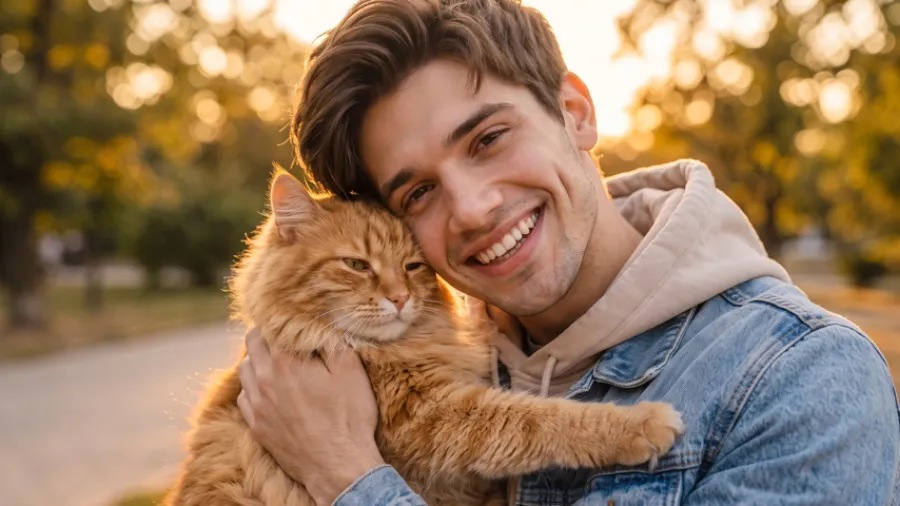
The man gently leans down and gives the cute fluffy cat a soft kiss.
 Original
Prompt
The man gently leans down and gives the cute fluffy cat a soft kiss.
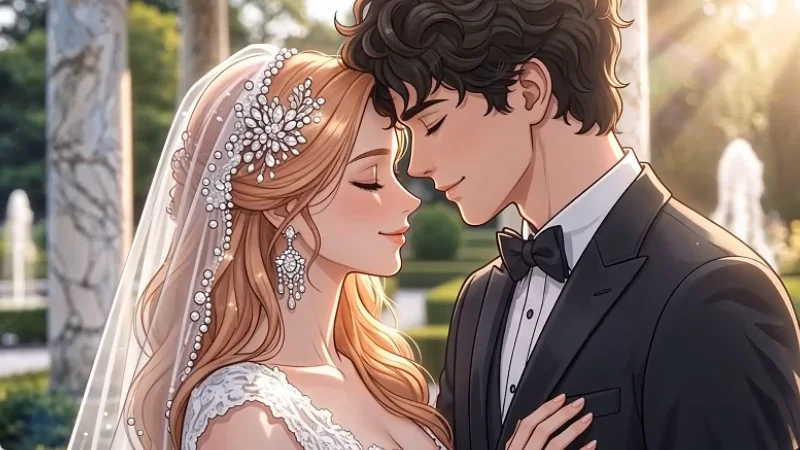
Prompt
Anime bride and groom close eyes, leaning in for an intimate wedding kiss.
OriginalPrompt
Anime bride and groom close eyes, leaning in for an intimate wedding kiss.
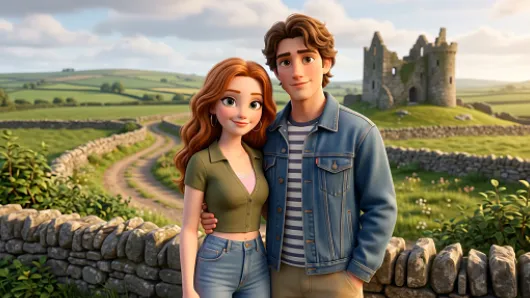
Prompt
Animated couple turn heads and share a sweet, gentle kiss outdoors, Pixar style.
OriginalPrompt
Animated couple turn heads and share a sweet, gentle kiss outdoors, Pixar style.
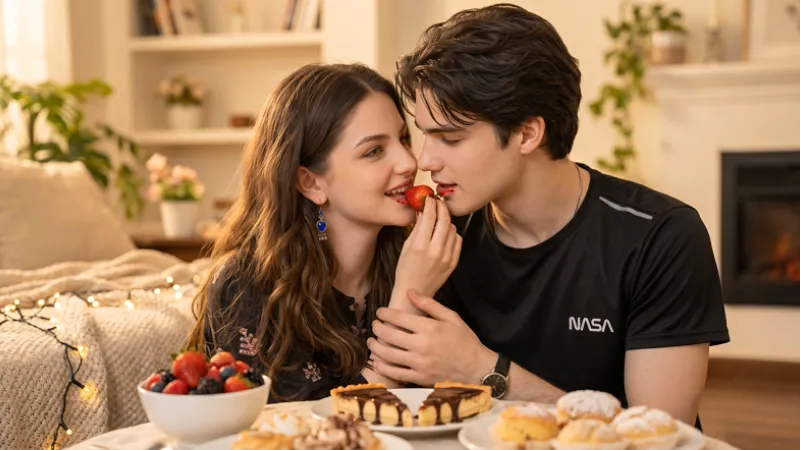
Prompt
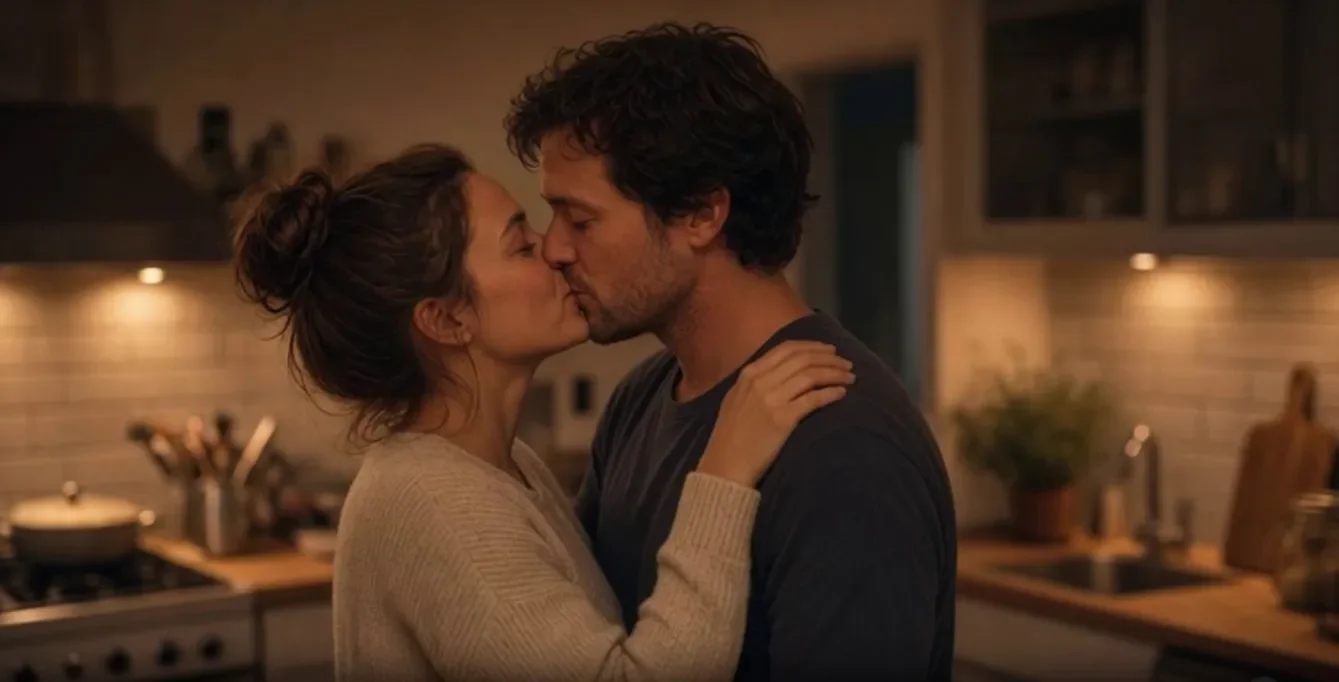
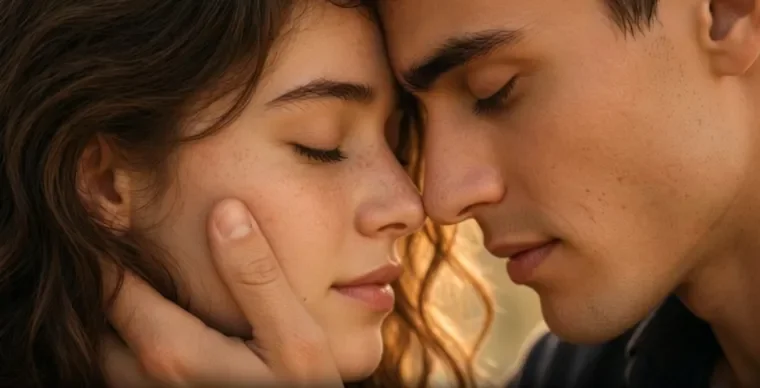
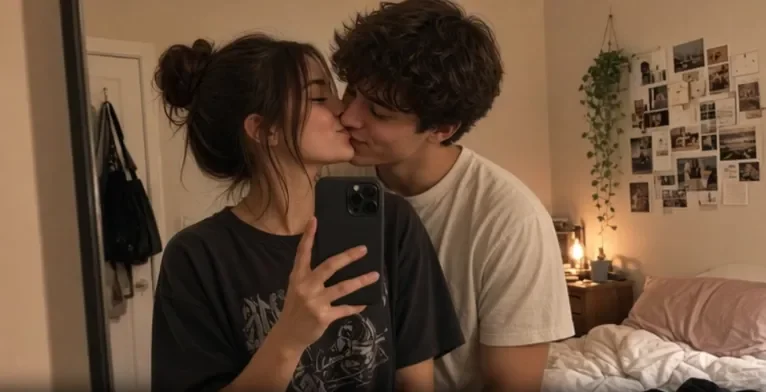
The romantic couple closes the distance gently and shares an intimate kiss.
OriginalPrompt
The romantic couple closes the distance gently and shares an intimate kiss.
Create Your AI Photo to Video in 3 Simple Steps
Upload Photos
Set Prompts & Models
Generate and Download in HD
Seamless Keyframe Animation from Start to End
Bridge static memories into continuous motion. With our ai video generator, simply upload start and end frames to create natural dynamics and camera pans, unlocking true creative freedom across every frame.
Try AI Photo to Video GeneratorAI Couple Dynamics & Emotional Hugging Scenes
Add warmth and intimacy to your portraits. With our ai image to video free tool, turn couple photos into heartfelt moments like sweet hugs, making it easier than ever to make photo alive with authentic digital chemistry.
The Ultimate AI Motion Tool for Romantic Connection
Engineered for true emotion. Go beyond rigid movement with tools crafted for romance and chemistry. Celebrate milestones and generate your own AI couple kiss video in just a few clicks.
Photo to Video Animation Guides & Best Practices
Explore practical tips, photo quality rules, and creative formulas to turn static portraits into smooth, cinematic AI animations.
FAQ
What is the best AI photo to video generator for dynamic motion?
Bejou is a versatile ai photo to video generator designed to animate any portrait, landscape, or pet photo with natural motion dynamics, camera pans, and lifelike physical realism.
How do text prompts control image-to-video animations?
Prompts guide the motion path, camera angles, and action intensity for the ai video generator. Clear verbs (e.g., "slow zoom-in, character smiles, hair blowing in the wind") produce precise, fluid motion without distortion.
Can I use Bejou to make photos kiss or show affection?
Yes, alongside general motions, you can use tailored prompts to make photos kiss or hug, letting the engine synthesize natural romantic transitions between couples.
Is Bejou an AI image to video free tool?
Yes, Bejou offers an ai image to video free trial with free credits, allowing creators to test various animation prompts and styles before upgrading.
How does AI make photo alive from a single 2D image?
Our ai photo to video model predicts depth, facial landmarks, and background geometry, calculating frame-by-frame physics to make photo alive smoothly.
What art styles are supported by the AI video generator?
The ai video generator works across realistic photography, anime, 3D CGI, and digital art, seamlessly animating characters, animals, and background environments based on your text prompt.
How do start and end keyframes improve video generation?
Uploading start and end frames provides exact reference points for our ai photo to video tool, ensuring seamless camera transitions and zero character warping across the whole clip.
What are the best prompt formulas for realistic photo animation?
Keep prompts under 15 words and combine subject action with camera direction: [Subject action] + [Camera motion] + [Lighting/Style], such as "Subject turns head slowly, cinematic pan, warm sunset glow."



Follow Us


Make Photos Kissing Free
